Train Video Control Train Video Control Train Video Control Train Video Control Train Video Control
Train Video Control Train Video Control Train Video Control Train Video Control Train Video Control
A favourite pasttime of mine, especially when having a meal at home, is to watch 30-60 minute “train front cab view” videos on YouTube. Having once dreamt of driving a train myself, it’s quite entertaining and even calming (same effect as ASMR?) to watch a real driver’s point of view.
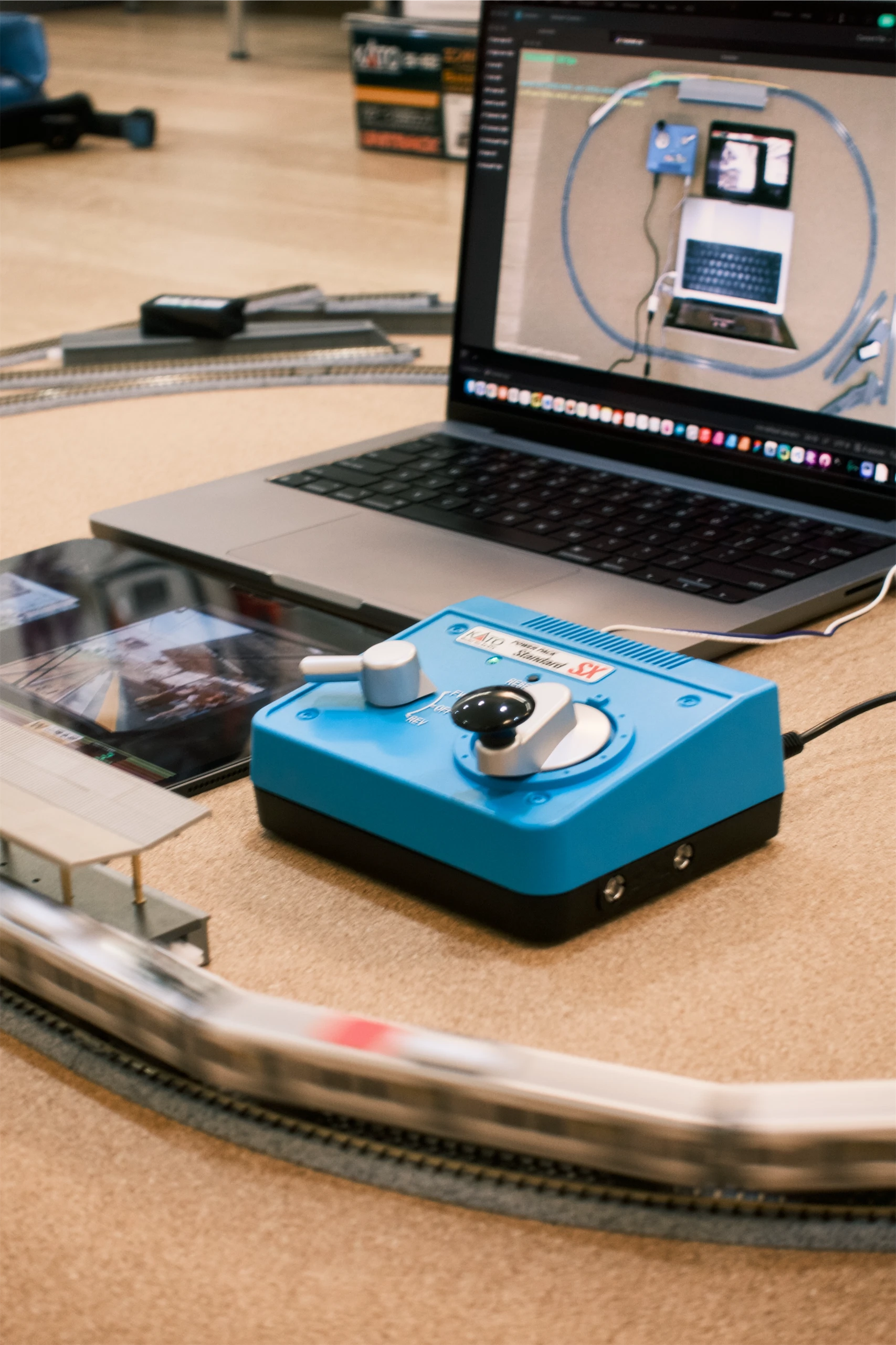
However, videos by nature are rather passively-consumed; not to mention the “action” only happening on-screen. Then, what if we want to emulate a true train driving experience alongside a real-life, physical representation? This project uses a motorised model train set and camera-based visual tracking to control the playback of videos.
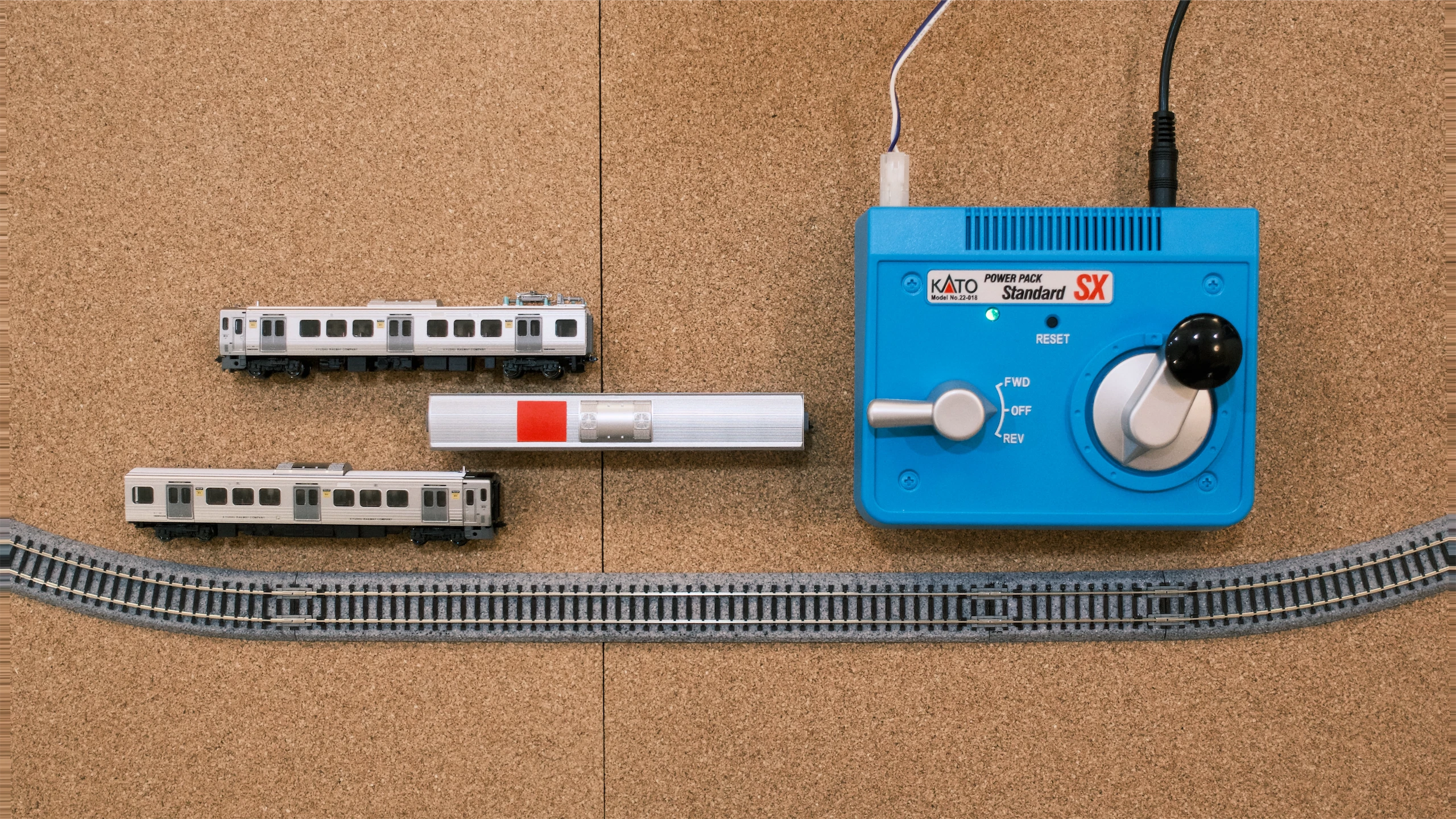
The model train and track set are made by KATO, a Japanese model manufacturer. Tracks and locomotives are powered via an approx. 0-15V DC power source, with voltage controlled by a physical controller (blue).
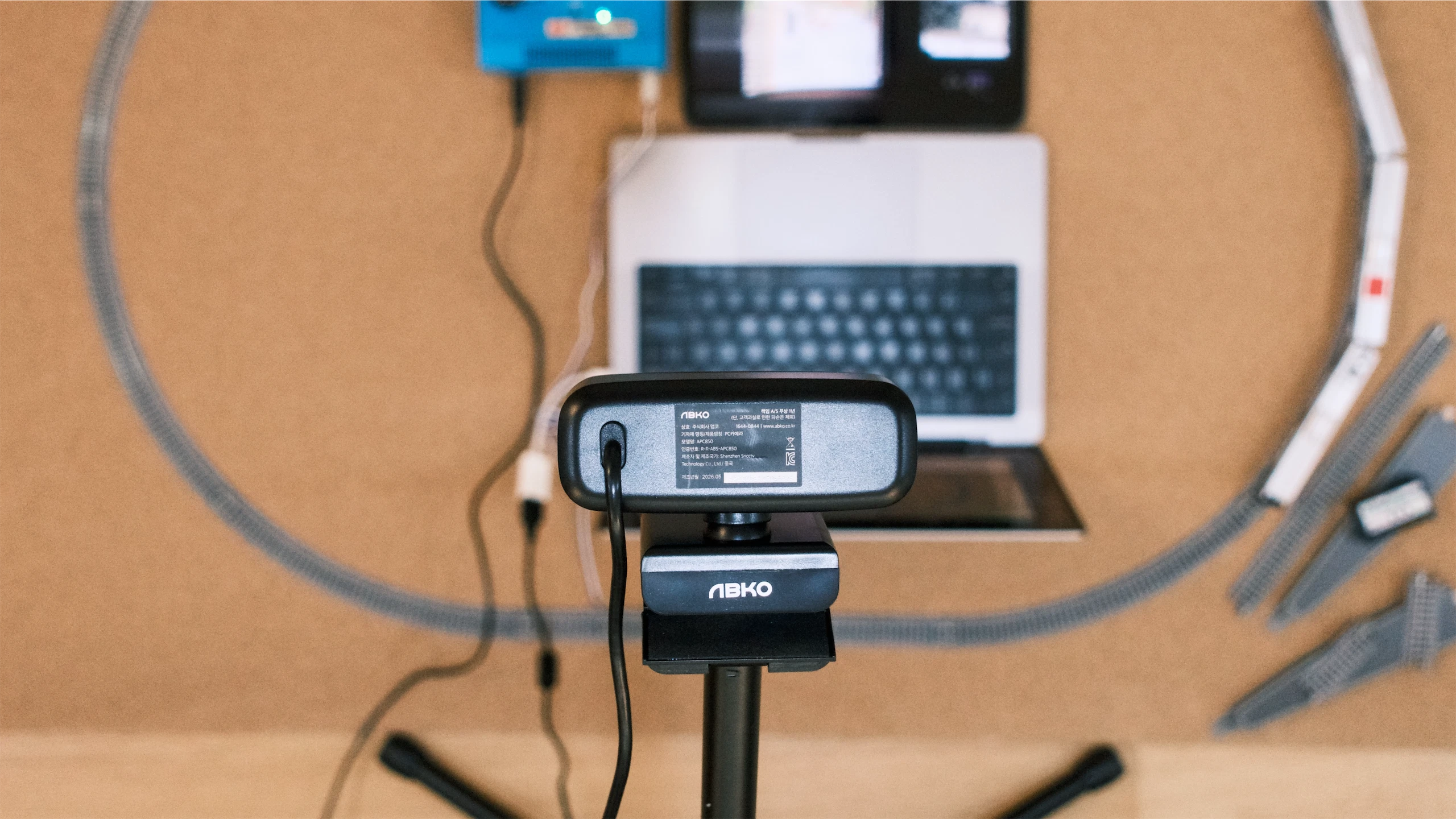
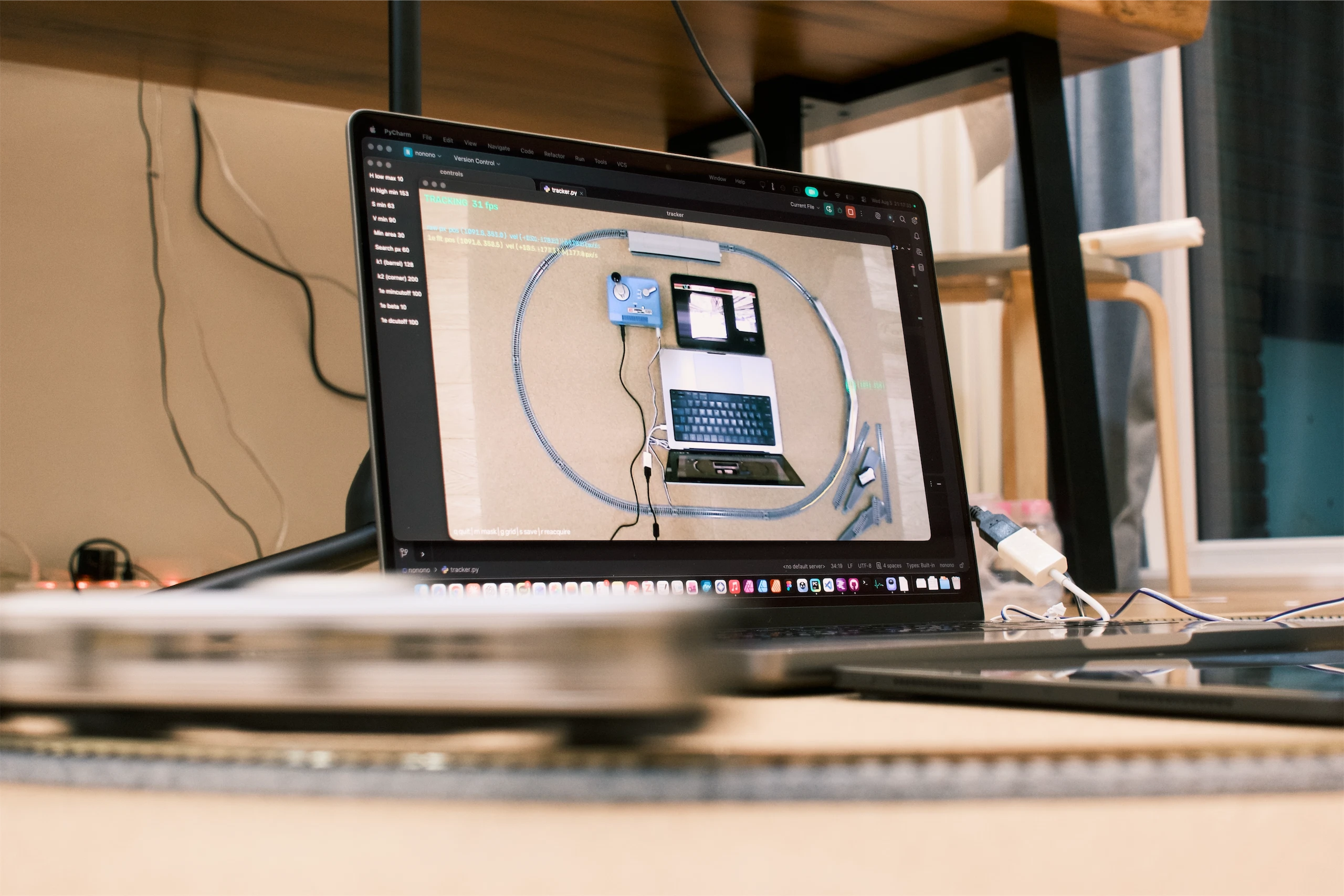
The track is laid out in an oval shape, with the train looping around continuously. A red sticker is attached to one of the train cars, which is monitored by a 1080P webcam from a tripod.
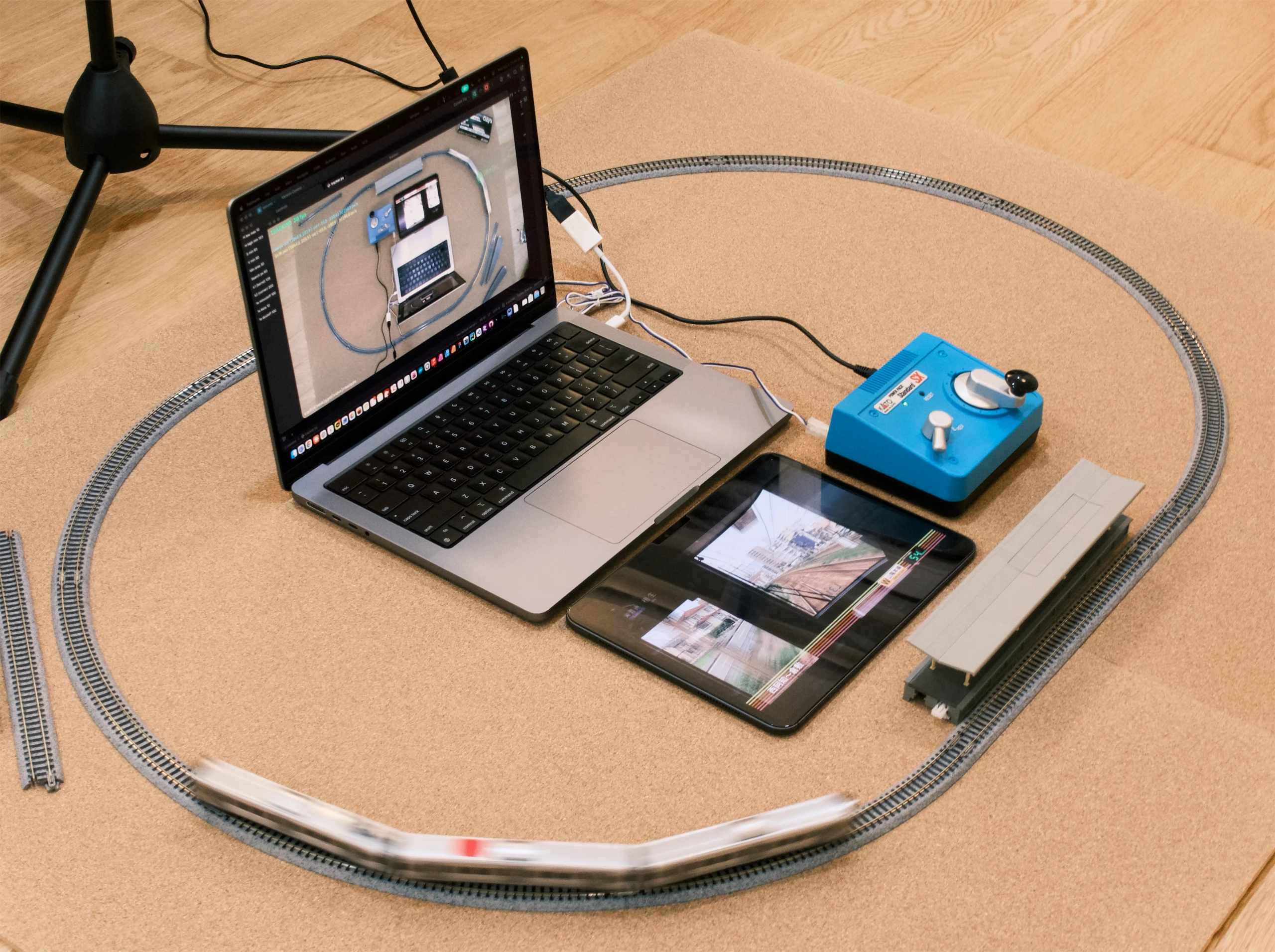
The computer runs a simple colour blob tracker in Python and OpenCV, and measures the absolute velocity/speed of the red sticker (train). This scalar speed value is sent via WebSockets to a local Chrome Extension, which controls the playback speed of any on-screen video.
Because raw (X, Y) coordinates are noisy, a 1 Euro Filter is applied to the input signal, which applies more smoothing at slower speeds (where the signal-to-noise ratio is lower) and less at higher speeds (where reducing lag is more important). Interactive demo, courtesy of Jonathan Aceituno: https://gery.casiez.net/1euro/InteractiveDemo/
Many thanks to 이랑, 정호, 환준 for organising the workshop, and to all participants who showed off some seriously cool projects :)