mouseDVS mouseDVS mouseDVS mouseDVS mouseDVS mouseDVS mouseDVS mouseDVS mouseDVS
mouseDVS mouseDVS mouseDVS mouseDVS mouseDVS mouseDVS mouseDVS mouseDVS mouseDVS
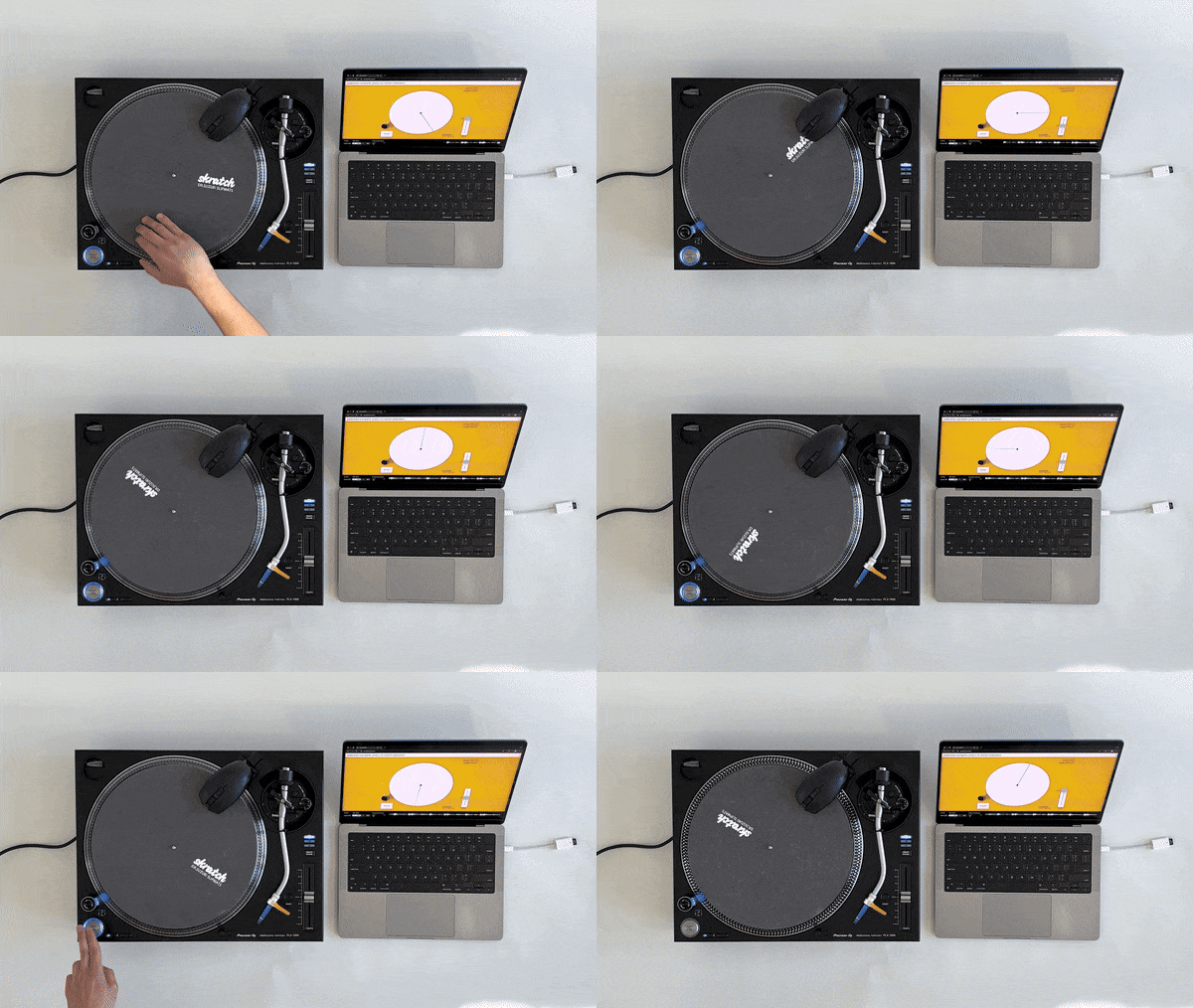
Vinyl allows for direct, physical manipulation of audio playback. Digital audio is widely available but relies on software controls. Digital Vinyl System (DVS) combines the best of both worlds, allowing DJs to use a real vinyl record to control digital audio for mixing and scratching. While DVS is typically implemented using specialised hardware, mouseDVS is a low-cost proof of concept that uses an ordinary optical mouse. Simply place the mouse on a suitable tracking surface (e.g., a felt slipmat), open the web app on a computer, and start playing.
| Web Application | Source Code |
mouseDVS is a proof-of-concept that allows the use of a real turntable for controlling digital audio. Why would anyone want to do such a thing when digital audio can be played directly? DJs. Vinyl records, thanks to its large surface area and instant response to any form of manipulation, allows for the speeding up, slowing down, and cueing of tracks for a continuous DJ mix. Not only that, the discipline of turntablism (“scratching”) involves using the record as a musical intrument.
However, physical records are limited to whatever audio is stamped onto them. Recorded a new sample and want to scratch with it? Too bad, as single-press vinyl records are either non-existent or ridiculously expensive. This is where Digital Vinyl System (DVS) comes in. DVS, either through a specialised control record or a precise accelerometer, allows DJs to use a physical turntable and/or vinyl record to mix and scratching any digital audio file. The best of both worlds.
Despite its advantages, DVS comes at a price. A typical control record setup (Serato DJ) requires a \$359 audio interface and \$40 control records, while an accelerometer setup (Phase DJ) is \$499.
mouseDVS started from the question of “can we implement DVS without all of these fancy tech and their associated costs?”. The goal was simple: track the movement of a moving turntable platter in a stable and low-latency fashion. Among common computer peripherals, the humble mouse seemed to satisfy this criteria. Modern optical mice, being input devices, are designed to track movement with minimal latency. Thus mouseDVS was born.
Open the web app on the computer that the mouse is connected to.
Secure the mouse to the turntable body, such that it does not interfere with the moving platter. Lego and some electrical tape work well.
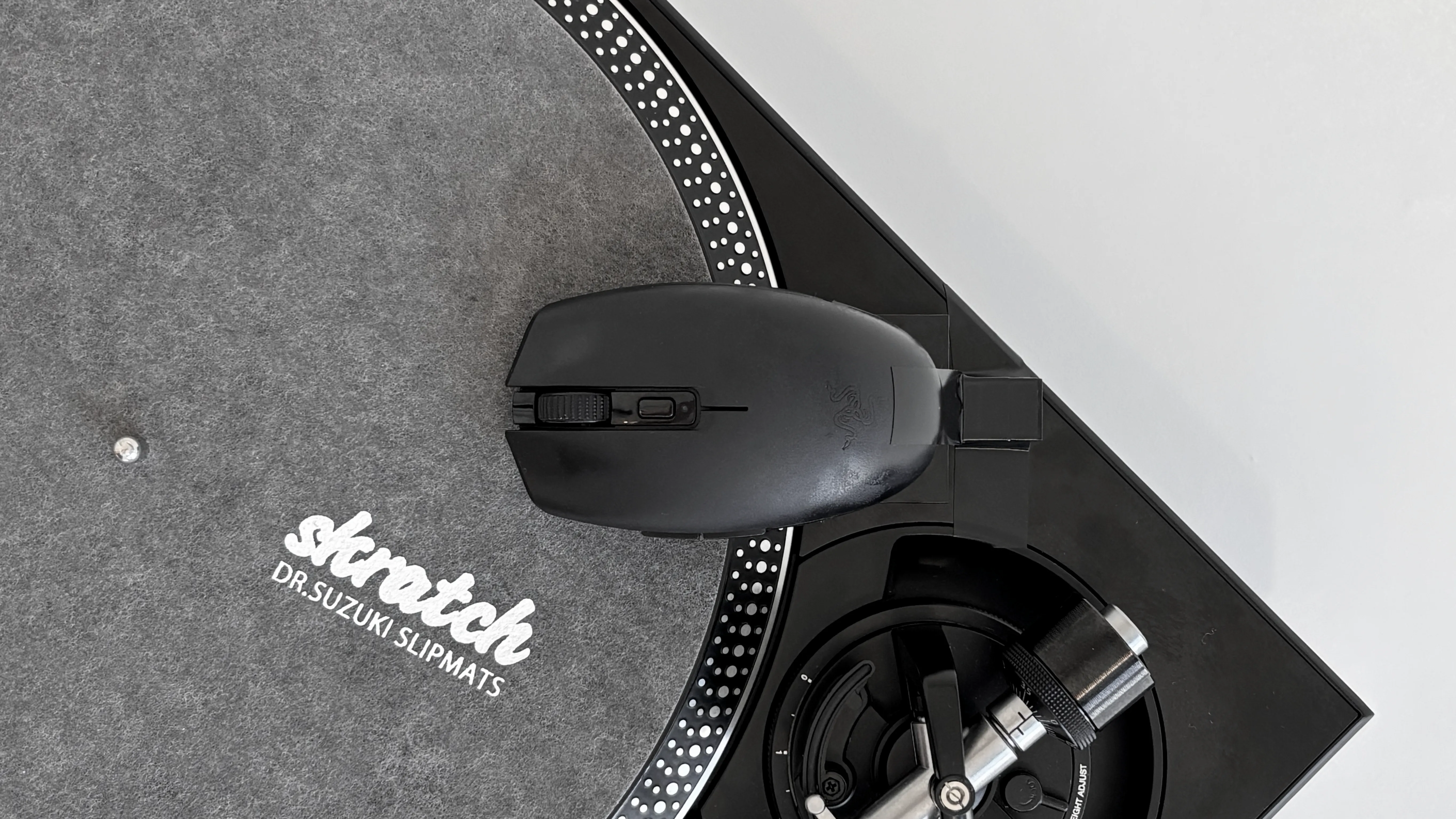
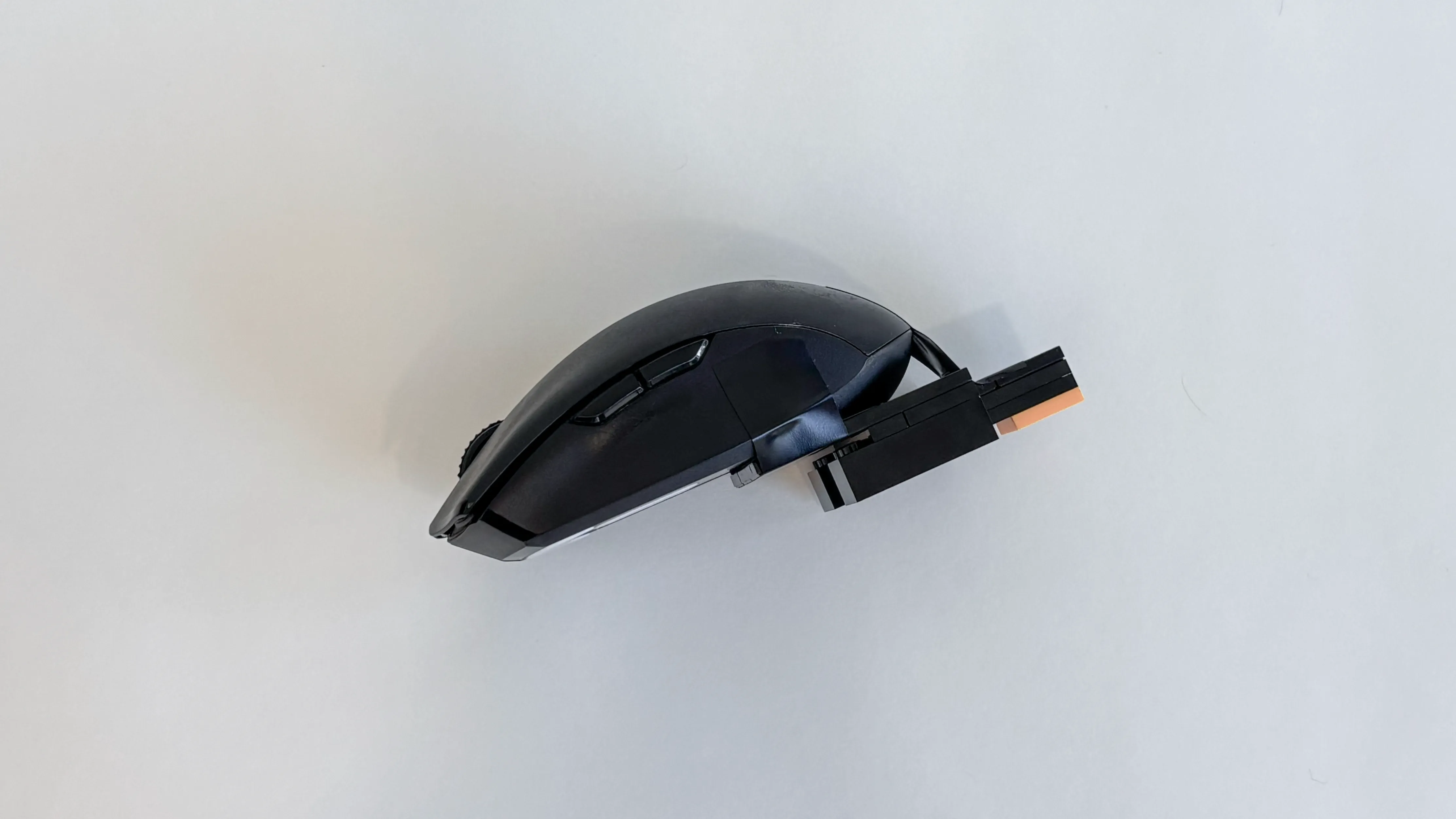
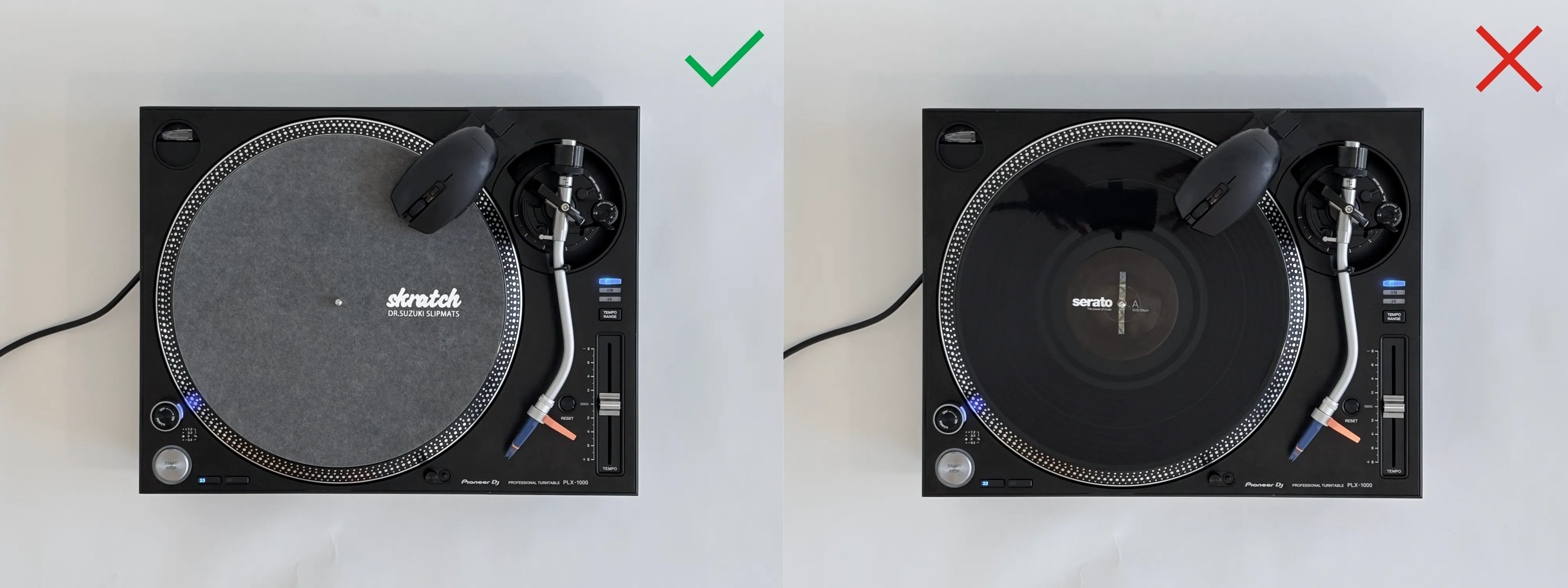
Place a vinyl record or slipmat on the turntable, making sure that there is a tiny gap (~1mm) between the its surface and the mouse optical sensor.
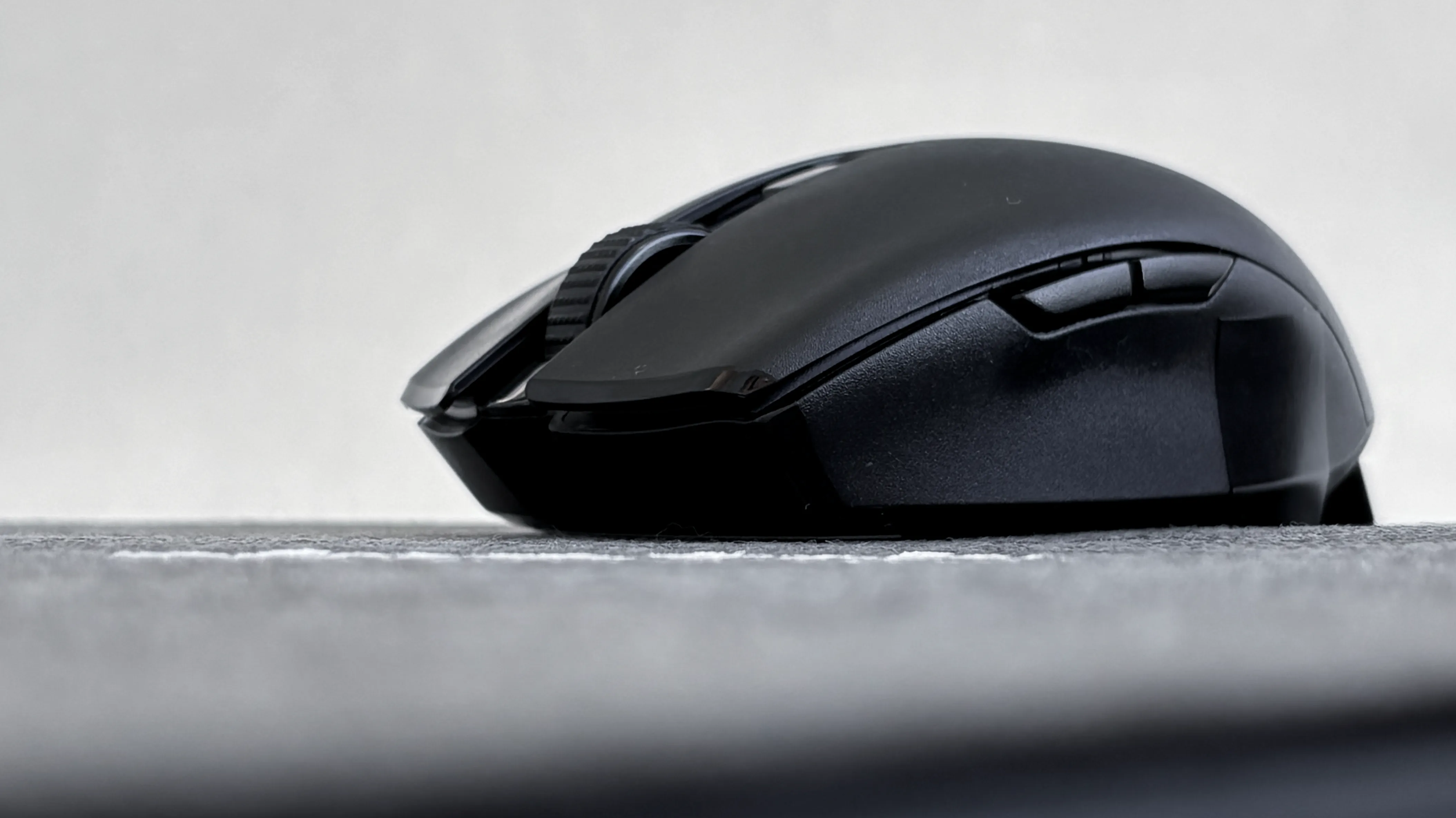
Before starting, check if the mouse reliably tracks over the vinyl record or slipmat being used, even with the gap. Records or slipmats with a matte, textured surface is recommended. Note that normal glossy wax records may not work as well.
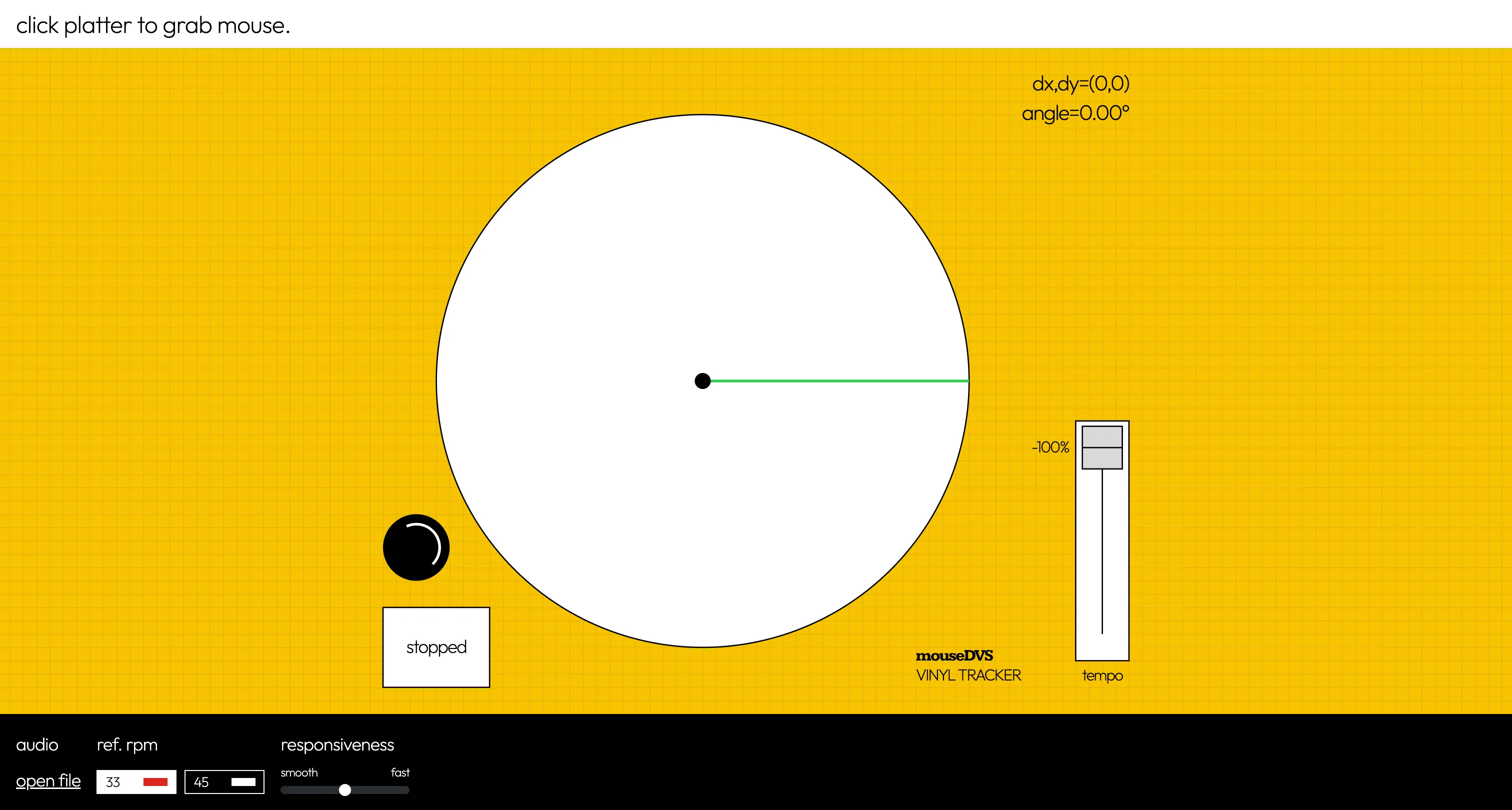
Click anywhere on the central platter area to engage/grab the mouse. Once grabbed, the mouse will become invisible, and any movement will show up as “dx” and “dy” on the top-right corner of the web app. The virtual turntable power light (red) will also turn on whenever the mouse is engaged. Press ESC to disengage the mouse.
Once the mouse is engaged, we must tell the web app how much mouse movement corresponds to a single full rotation of the platter. To do this, first press the key C to enter calibration mode, rotate the platter exactly 1 revolution using some visual indicator (the demo uses the “skratch” text on the slipmat), and press C again to end the calibration. The text “calibration complete” will show up in the top status bar.
We are now ready to start playback! While tracking works without any loaded audio, to actually play sound, open any WAV file from the computer using the open file button. A waveform display should appear upon a successful load.
There are two controllable settings:
The most obvious limitation of mouseDVS is that it does not work well with typical black wax records. Even when the mouse was directly touching the surface, it performed far worse than a textured surface like a felt slipmat.
Furthermore, because the mouse is positioned at the outer edge of the 12” platter, the velocity of fast manipulations will be quite high (during normal 33RPM playback, the surface underneath the mouse is moving at 53cm/s). A future update to mouseDVS would be to somehow position the mouse near the spindle, where (1) velocities are slower, and (2) there the paper record label can be used as a tracking surface. Killing two birds with one stone.
Finally, even with a high polling rate mouse and a custom smoothing algorithm, the audio playback is not entirely smooth. This is likely due to either the mouse updates being too irregular, or how interpolation of audio samples are handled. If there are any suggested improvements to the second-order 1€ filter described above, feel free to contribute!
